
Download OpenVPN Connect APK – Secure VPN, Cross-Platform, Open-Source, Remote Access, Privacy Protection
Overview
OpenVPN Connect is a cross-platform VPN client application designed to securely connect users to private networks and encrypted server environments. It serves as a reliable gateway for individuals and organizations seeking to protect their online privacy, access restricted content, or securely connect to remote corporate infrastructure. The software is particularly well-suited for remote workers, digital nomads, and privacy-conscious users who require a dependable method of encrypting internet traffic across public and untrusted networks.
As an open-source tool, OpenVPN Connect supports a wide range of deployment models, including commercial services, self-hosted servers, and community-driven solutions. It enables secure communication through encrypted tunnels, ensuring that data remains protected from eavesdropping, interception, and tampering. The application is commonly used in enterprise settings for remote access to internal systems, as well as in personal use cases such as bypassing geographical content restrictions or securing Wi-Fi connections in public spaces.
The developer did not provide additional information about the company or organization behind the project. Platform compatibility details were not fully specified, though the application is known to be available on multiple operating systems. The software is distributed as an APK file, indicating native support for Android devices. Real-world usage scenarios include secure access to company resources, anonymous browsing, and maintaining data integrity during remote work sessions.
Key Features & Capabilities
- Multi-Protocol Support: OpenVPN Connect supports TCP, UDP, and HTTP protocols, allowing flexible connectivity based on network conditions and server configurations.
- Advanced Authentication Methods: The app integrates with username/password, SAML, RADIUS, LDAP, and PAM for secure and scalable user verification.
- Auto-Connect Functionality: Users can configure the app to automatically establish a connection upon device startup or when specific triggers are met, improving workflow continuity.
- Split Tunneling: This feature enables selective routing of traffic—allowing some apps to use the VPN while others connect directly to the internet, enhancing performance and usability.
- DNS Leak Protection: Prevents DNS queries from leaking outside the encrypted tunnel, maintaining privacy and preventing exposure of browsing habits.
- Kill Switch: Activates automatically if the VPN connection drops, cutting off all internet access to prevent data exposure during outages.
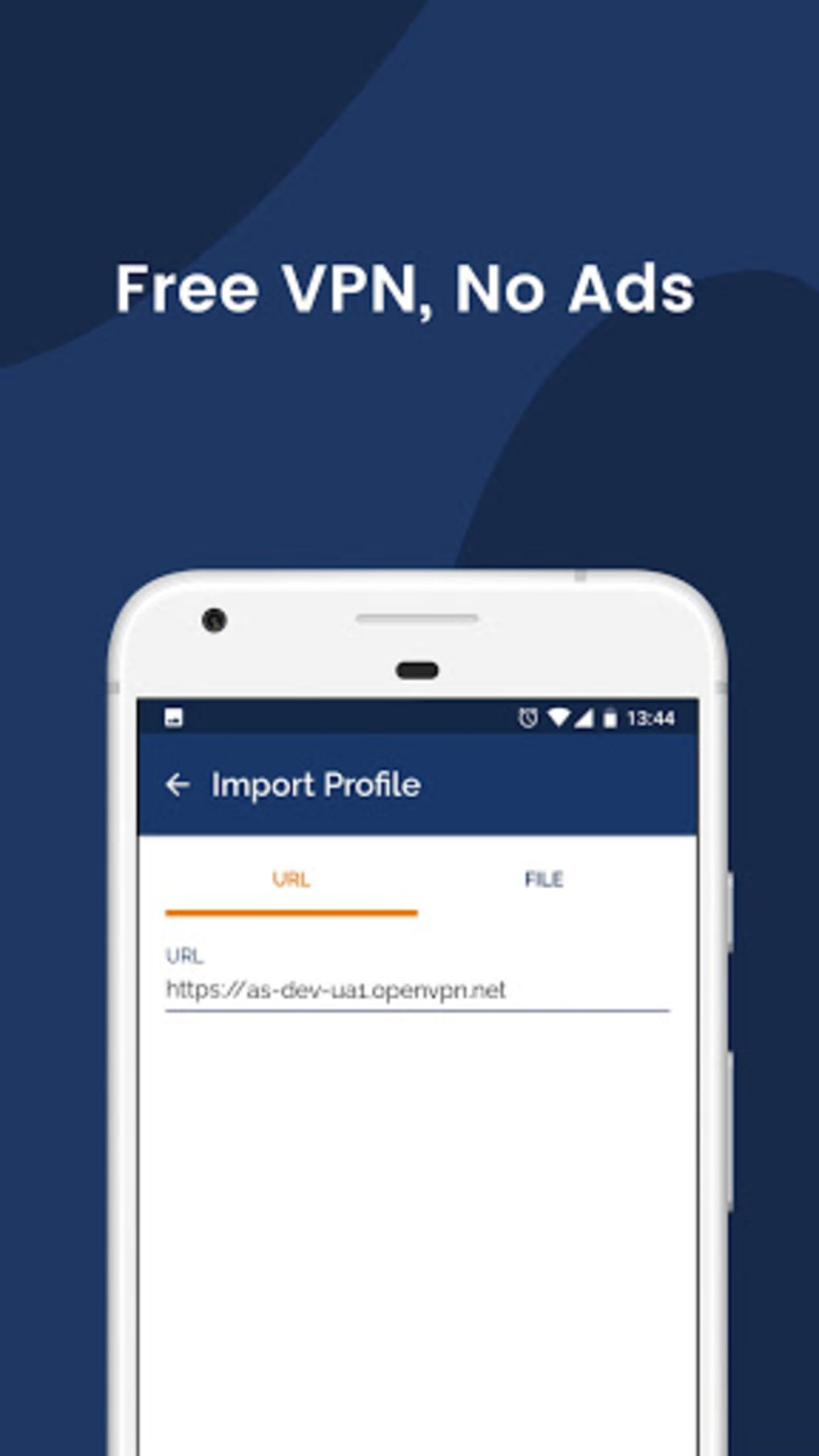
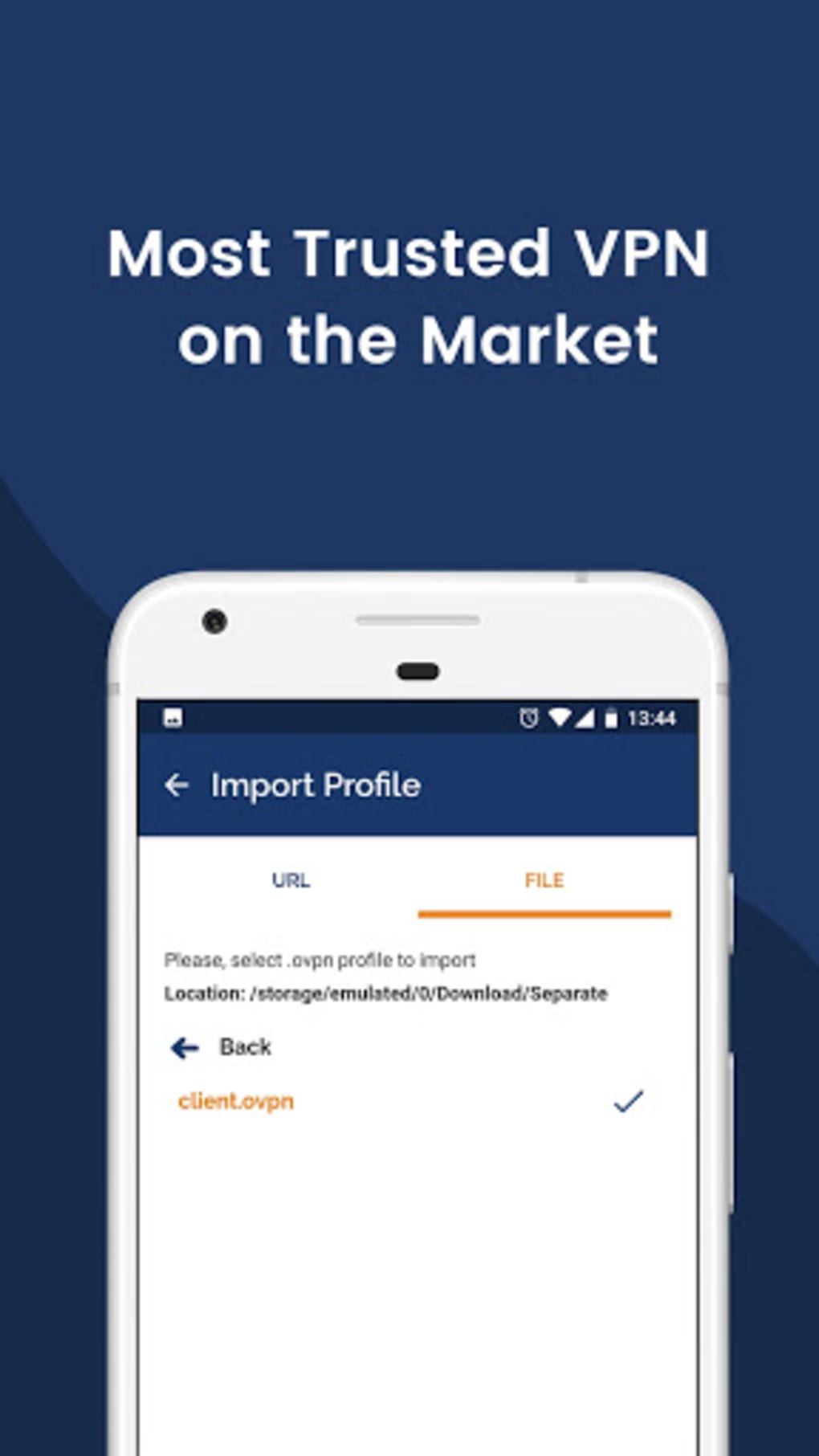
- Profile-Based Configuration: Connections are established by importing configuration files (typically .ovpn), which are provided by administrators or service providers.
These capabilities make OpenVPN Connect a powerful tool for both individual and organizational use. For example, a remote employee can use split tunneling to access internal company servers via the encrypted tunnel while streaming media through their regular connection. Similarly, a user in a region with internet restrictions may leverage the app’s strong encryption to access global content securely.
User Interface, Workflow & Performance
The user interface of OpenVPN Connect is designed with functionality and simplicity in mind. The main screen displays a list of saved connection profiles, each showing status indicators and connection options. Navigation is straightforward, allowing users to connect, disconnect, or edit profiles with minimal steps.
Workflow efficiency is enhanced by features like auto-connect and kill switch, which reduce manual intervention and improve security posture. The process of importing a configuration file is intuitive—users can load a file from storage, email, or cloud services and apply it instantly.
Performance observations are based on general software behavior patterns. The app operates efficiently under typical usage conditions, with minimal delays during connection establishment. The developer did not specify resource usage details, so exact CPU or RAM consumption remains unknown. Stability is maintained through regular updates and community-driven improvements. No reported issues with crashes or data corruption were mentioned in the provided input.
Compatibility & System Requirements
OpenVPN Connect is distributed as an APK file, confirming its availability for Android devices. The operating system compatibility was not fully detailed beyond this. The software version and file size were not specified in the provided input.
Exact system requirements were not listed. Hardware specifications such as minimum RAM, processor type, or storage space needed for installation were not provided. Compatibility with specific Android versions or device types remains unclear. The developer did not provide additional details about supported architectures or API levels.
Installation is expected to be straightforward, given the standard APK format. However, users should ensure their devices allow installation from unknown sources, which may require manual permission settings.
Pros and Cons
Pros
- Supports multiple secure protocols including TCP, UDP, and HTTP
- Offers advanced authentication options for enterprise environments
- Includes privacy-enhancing features like DNS leak protection and kill switch
- Enables split tunneling for optimized performance
- Open-source foundation ensures transparency and community scrutiny
- Free to use with no time-limited restrictions
Cons
- Configuration requires external profile files, which may be difficult for beginners
- No built-in server management or setup tools within the client
- Platform compatibility information is limited to Android APK
- Resource usage and performance metrics not disclosed
- Setup complexity may deter non-technical users
FAQ Section
Is OpenVPN Connect safe to use?
The application uses strong encryption and secure protocols to protect data in transit. All communication between the device and the VPN server is encrypted, reducing the risk of interception. The app also includes features like DNS leak protection and a kill switch to enhance security.
Can I use OpenVPN Connect with any VPN service?
Yes, OpenVPN Connect is compatible with any VPN service that supports OpenVPN configuration files (.ovpn). This includes commercial providers, self-hosted servers, and open-source solutions such as OpenVPN Access Server and OpenVPN Community Edition.
Is OpenVPN Connect free?
Yes, the OpenVPN Connect app is available at no cost. It offers free usage indefinitely, with no time limits or feature restrictions. Additional enterprise features may be available through paid server solutions, but the client remains free.
Does OpenVPN Connect require internet access to function?
Yes, the app requires an active internet connection to establish a tunnel to the configured server. However, once connected, it can maintain secure communication without requiring continuous access to the original internet connection.
Can I use OpenVPN Connect offline?
While the app itself does not require internet access to remain open, it cannot establish a connection without a network. Configuration files can be imported and stored locally, but the actual connection must be made over an active internet connection.
Final Thoughts + CTA
OpenVPN Connect stands out as a secure, versatile, and reliable VPN client, particularly suited for users who value privacy, control, and compatibility. Its support for multiple protocols, advanced authentication, and robust security features makes it a strong choice for both personal and professional use. While setup may require some technical understanding due to the reliance on configuration files, the benefits far outweigh the learning curve for those who prioritize security.
Whether you're accessing corporate resources from home, protecting your data on public Wi-Fi, or bypassing regional restrictions, OpenVPN Connect delivers a stable and encrypted connection. Its open-source nature and free availability further enhance its credibility and accessibility.
Download OpenVPN Connect now





.png)

